Budget Routers: Strategic Compromise
Flagship routers capture attention with astronomical theoretical speeds, but the majority of households lack the ISP bandwidth or client hardware to utilize them. Cost-effective deployment is an exercise in targeted specifications.
Defining the Baseline Requirement
When stripping away premium features to fit a strict budget, certain core technologies must remain non-negotiable. An entry-level modern network must support at minimum the Wi-Fi 6 (802.11ax) standard. Purchasing older Wi-Fi 5 (802.11ac) equipment represents a false economy, as it lacks OFDMA (Orthogonal Frequency-Division Multiple Access), an essential protocol for managing multiple simultaneous client devices without choking the network.
For a standard home internet connection—typically between 100Mbps and 500Mbps—an "AX1800" class router provides the optimal price-to-performance ratio. The 1800 designation indicates a theoretical maximum of 1,200Mbps on the 5GHz band and 600Mbps on the 2.4GHz band. This is more than sufficient overhead for 4K streaming and standard computing.
What is Sacrificed?
Understanding budget hardware requires understanding what the manufacturer omitted to hit the price point:
- CPU Power: Budget models utilize dual-core rather than quad-core processors. They route basic traffic perfectly, but if you enable complex rules like VPN tunneling at the router level, throughput will plummet.
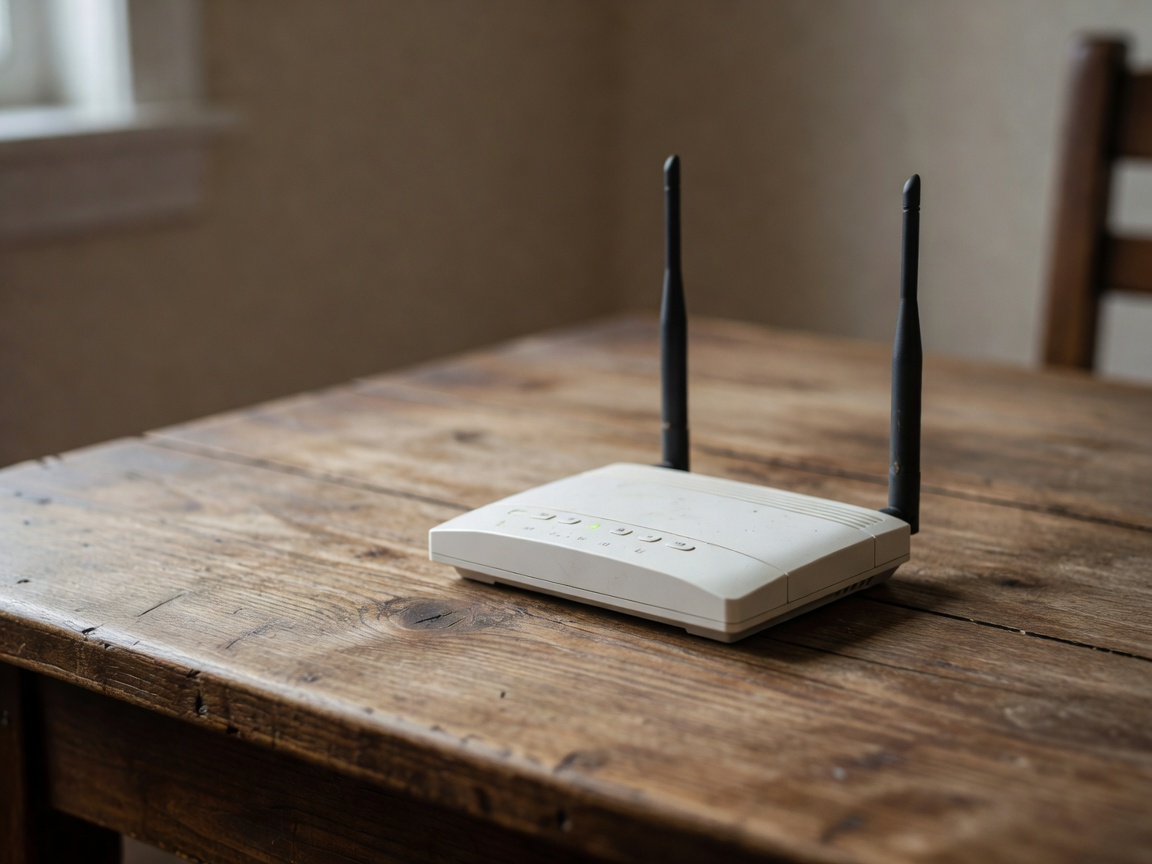
- Antenna Arrays: Lower-tier models typically feature 2x2 MIMO (Multiple Input, Multiple Output) streams, limiting maximum range and the ability to serve heavy data loads to many devices concurrently.
- Port Speed: You will find standard gigabit Ethernet ports, but high-speed 2.5GbE WAN/LAN ports are stripped away.
- Software Subscriptions: Many budget units offload advanced cybersecurity and parental controls to subscription-based cloud services rather than handling them on-device.
Maximizing Budget Hardware
Because raw broadcast power is limited, placement becomes critically important with budget routers. They cannot punch through multiple concrete walls. The unit must be placed centrally, elevated, and clear of large metal appliances or aquariums.
Additionally, separating IoT (Internet of Things) devices—like smart bulbs and plugs—onto the 2.4GHz band while forcing laptops, phones, and televisions onto the 5GHz band prevents the slower legacy devices from forcing the router into less efficient transmission modes. Through careful configuration and realistic expectations, a budget router can provide a rock-solid foundation for the average home network.